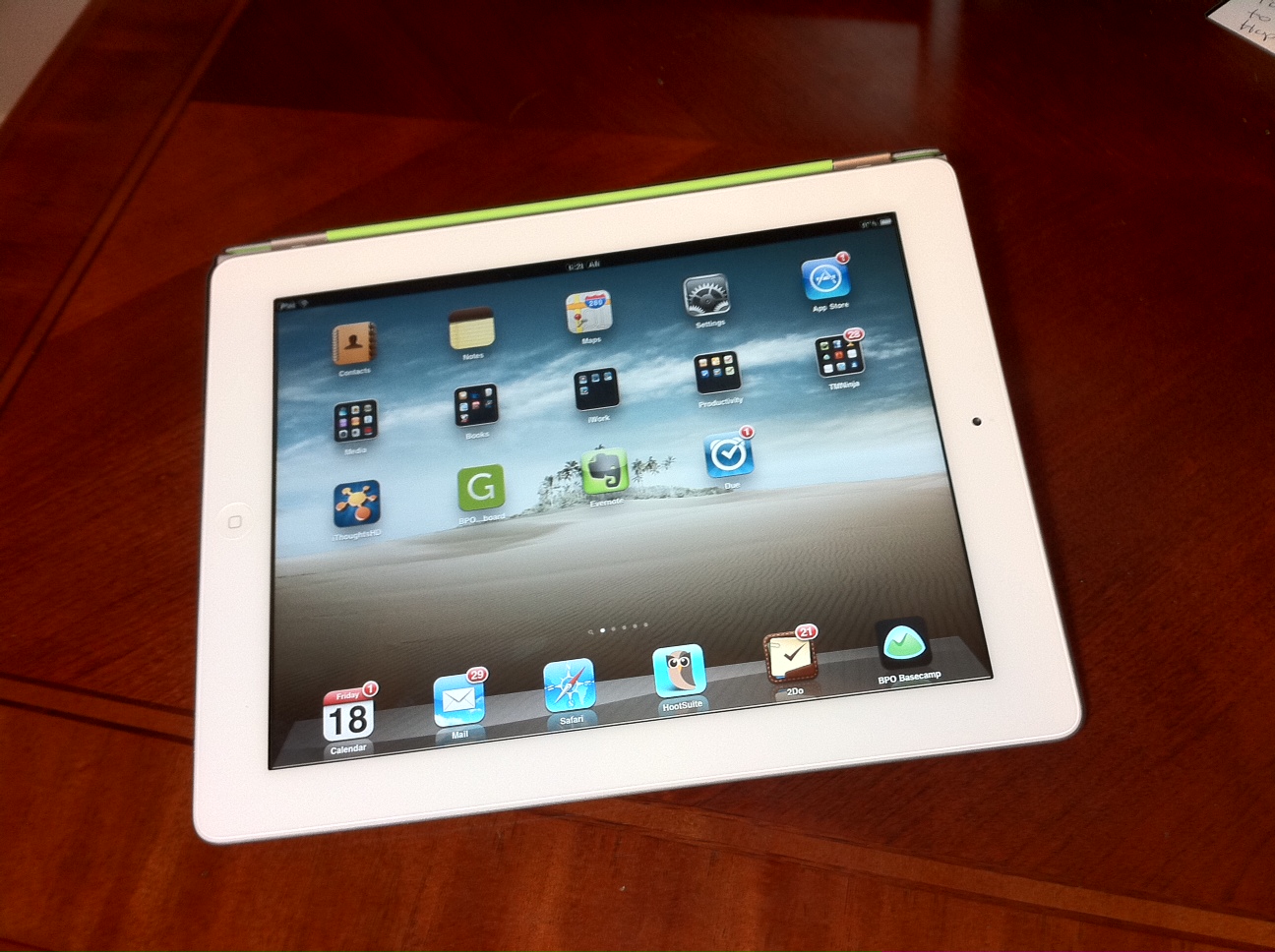
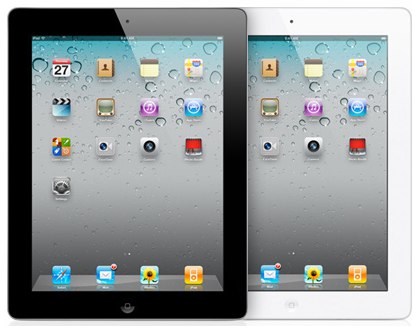
Could the iPad 2 Replace Your Dayplanner?

Unless you have been living on a deserted island, you are aware that Apple is releasing the newly updated iPad 2 on Friday.

The iPad has continued to shape and evolve the portable post-PC marketplace. Today, I wanted to look at some of the ways that the iPad 2 will be used for productivity.

Many time management fans love their technology and are always searching for the holy grail of time management tech.

Could the iPad 2 be your new dayplanner?

7 Time Management Mistakes You Are Making With Your Smartphone

Many people use a smartphone as part of their time management strategy.

From the first PDA’s to the newest phones, technology has forever changed our time management capabilities.

It has allowed us to use simpler, more effective tools.  We have the power to access information and organize in ways never before possible.

However, sometimes it can be too much.  Sometimes it seems that our smartphones are taking over our lives.  They can complicate things as much as the alleviate them.

Are you being the most effective you can with your smartphone?  Are you using it or is it using you?

Here are some of the common smartphone time management mistakes…

10 Ways the iPhone Saves Time

Smartphones these days are really computers in our pocket.  Some would say that they are quickly replacing what we traditionally called personal computers.

When it comes to productivity, our smartphones can save us a lot of time.  They can prevent wasted time and effort.  We can now get things done from almost anywhere.

How I Use My iPad to Get Work Done

Do you have have an iPad?

Do you use it for work?  Do you use it for fun?  Or both?

There has been interesting debate lately as to whether the iPad is more for consumption or for creation.  In other words, is it more for accessing media? (Surfing the web, watching movies, reading books)  Or can it truly be used to create content? (Do work, create documents, etc.)

I do believe that at the current time, it is better at consumption.  Much of this is by design and also due to a lack of productivity apps. However, the apps are catching up rapidly.  And it seems almost daily there is a new use for the iPad.

Today, I thought I would share some of the apps that I use to “get work done” on my iPad.

Best of Time Management Ninja

I have received several requests from readers for a list of TMN’s top posts.  So, I have added a “Best Of” page that contains what I consider my best posts.  (Not necessarily based on traffic).

You can check out the new “Best Of” page here.

Maybe you will discover an article that you missed.  Or perhaps, you will want to re-read one of your favorites.

Have a great weekend and enjoy!

Save Time and Stop Surfing With RSS

If you are like me, you sometimes find yourself spending too much time surfing the Internet.  Maybe you like car blogs or fashion websites, or as in my case, too much technology news.

RSS is a great way to minimize the time you spend surfing and to laser focus what you read.

However, you would be amazed how many people don’t use RSS or aren’t even aware of its usefulness.

What is RSS?

RSS stands for “Really Simple Syndication.” I won’t try to give you the background of RSS, you can read about it on Wikipedia right here.

RSS provides a news feed or broadcast of the items posted on a website or blog. You can subscribe to these feeds so that website news and articles are delivered right to you.

Most sites have a simple link or button to allow you to subscribe to their RSS feed.  You can subscribe to TMN’s RSS feed here.

5 Things I Like About the iPhone 4

IMG_1475
What does the iPhone 4 have to do with productivity?  For me, quite a bit.

The iPhone 4 serves as my: Internet access, phone, camera, notepad, email, text messaging, GPS, video game, eBook reader, iPod, and more.

It is my one device.  I can do almost everything I need to do from it.

Recently, I upgraded from my 3GS to the new 4.  After using the phone for a week, I thought I would share my impressions.

iPhone iOS 4 – Productivity Quick Look

It’s no secret that I am a big Apple fan.  I use the iPhone for most of my productivty needs, and the iPad has replaced my laptop.

Yesterday was a big day for the iPhone.  No, the new iPhone is not out yet.  That is later this week.  However, the new operating system, iOS 4, was released for all current iPhone 3G and 3GS phones.

This is a huge update with literally over 100 new features packed into it.

I installed it last night on my iPhone 3GS.  While I haven’t had much time to put it through its paces, here is a quick look at the big new features…

Review – The WOW of Reeder News App for iPad

I have not reviewed specific iPad productivity apps yet, but after installing Reeder for iPad (iTunes link) this weekend, I just had to share.

My reaction was WOW. Reeder is a shining star in design for the iPad. It has gotten right what so many developers have not yet figured out, which is the the interface power of the iPad. Simple, yet elegant, Reeder is a pleasure to use.

What is Reeder?

Reeder is an RSS reader. If you are not familiar with RSS readers, think of them as news collectors. They go out to your favorite websites and collect all the new articles for you to read in one place.

Reeder syncs with a Google Reader account. If you are not familiar with Google Reader, it is a web-based RSS reader that is folded into the Google suite of tools. Definitely recommended to keep all your news feeds in one place.

Reeder gives me one app to keep up with all the news I want and the blogs that I follow. It saves me time by preventing me from endlessly surfing the Net for the information that is of interest to me.

It’s the User Interface

When you use Reeder for the first time, you may be underwhelmed. It is not flashy. It is not full of buttons and options.